Full coverage
Forward all business calls when you want the receptionist answering first.
Pest calls answered while you treat
Your receptionist answers forwarded calls as your business, gathers pest and property details, and sends the results to you. Try the browser demo, then request a free trial to set your greeting and intake once your trial is ready.
Try the wasp-nest call Get started
Request a 14-day free trial, up to 100 minutes.PrivacySecurity
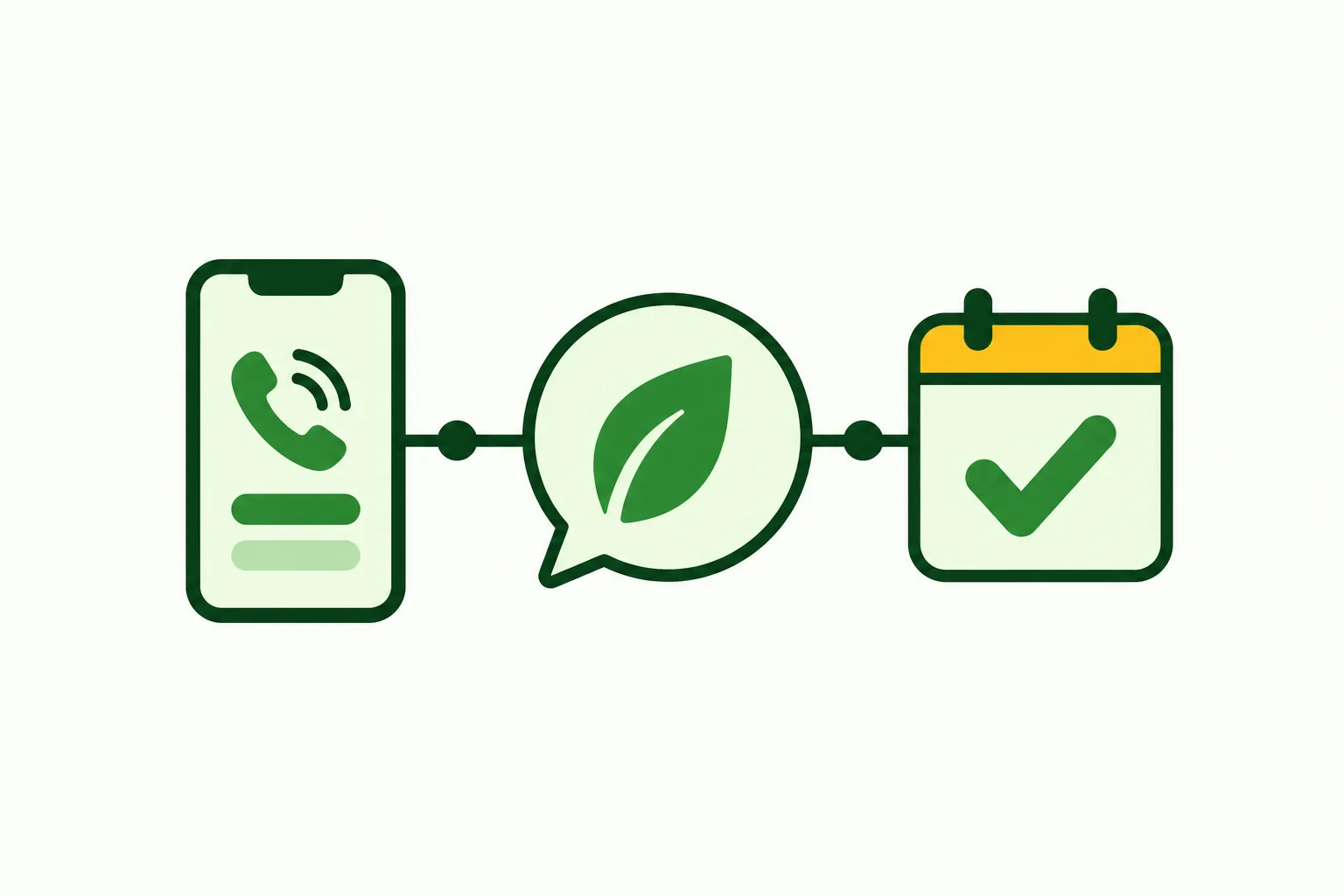
You keep your business number and choose which calls forward to your receptionist. We provide a local number and a guide for your carrier or phone system, so coverage fits your office routine.
Forward all business calls when you want the receptionist answering first.
Choose no-answer or busy forwarding while your team handles the phones.
Forward evening calls according to the coverage you choose.
Your existing number stays the number customers dial. During setup, we give you a local number in your area code and forwarding instructions for your carrier or phone system. Choose whether calls go there first or only when your office does not answer, is busy or is closed.
A shop with someone at the desk might start with busy and no-answer forwarding. An owner out on treatments might choose full forwarding. Your receptionist can answer day and night once calls reach it. Use a test call to check the forwarding choice before relying on it for customer calls.
Your receptionist starts by saying it is a virtual assistant and the call is recorded. It then uses your business instructions to ask intake questions, identify urgent requests and arrange the next step.
Callers hear the virtual-assistant and recording notices at the start.
Gather the pest, property, service address and reason for calling.
Route flagged requests to the on-call person you select.
We learn your services, area, hours and price policy through your website and an onboarding chat. Your receptionist uses that information when someone calls about mice in a kitchen, a quarterly renewal or a wasp nest by an entrance. You decide what counts as urgent and who should receive those calls.
For an urgent transfer, your on-call person hears a short summary and presses 1 to accept. You can choose paging instead and set the contact order. Callers can speak English or Spanish and switch during the conversation. Pesticide questions go to the product label and Poison Control; the AI does not advise on treatment safety.
You receive an email and app push notification for each call, with a summary, urgency tag, transcript and recording. Appointments can go into Google Calendar, or your receptionist can take details for a callback.
Read the summary and urgency tag in email or app push.
Open transcripts and recordings when a caller's wording needs checking.
Use Google Calendar appointments or collect details for your callback.
The call summary gives you a starting point before you ring someone back. For a commercial bed bug inquiry, that might mean the property details, callback number and reason the request was flagged. The transcript and recording let you check what the caller actually said.
Your dashboard holds calls, recordings, transcripts, settings and usage, and a daily digest arrives by email. If you choose booking, appointments are entered in Google Calendar. If your office arranges the day's route itself, choose callback intake and use the summary to make those arrangements. Direct field-service software connections are not live at launch.
Make a test call before your receptionist takes customer calls, then check the greeting, intake and result. Later, tell the AI in plain words when your hours, service area or urgent-call instructions change.
Call about a pest or plan question you handle.
Review the summary, alert and chosen next step after testing.
Tell the AI about business changes through your dashboard settings.
Use the test call to hear the greeting and answer the intake questions as a customer would. Try a request inside your service area and check whether your receptionist follows the price policy you supplied. Review the resulting summary and, if you chose booking, the appointment details.
Your setup can change with your business. Tell the AI when your office hours shift, a service is unavailable or a different person is on call. Check important changes with another test call. To hear the approach before setting up an account, use the browser call demo, which runs with a fictional pest control business.
Yes. Your customers keep dialing your existing business number. We supply a local number and a forwarding guide for your carrier or phone system. You choose full forwarding or coverage for no-answer, busy or after-hours calls, then check that choice with a test call.
You answer about 10 to 15 questions in an onboarding chat, and we use the website you provide. The chat covers services, exclusions, service area, hours, price policy and urgent-call handling. Those instructions shape what your receptionist asks and how it handles the next step.
Yes. At the beginning of each call, your receptionist says it is a virtual assistant and that the call is recorded. These notices stay on. Try the browser demo to hear the introduction and follow the intake conversation before setting up your business.
You define urgency and set the contact order during setup. Your receptionist can warm transfer a flagged call: the on-call person hears a short summary, then presses 1 to accept. You can also choose a page to the on-call person under your instructions.
Your receptionist works from the information you supply about your business. If a request needs your judgment, it can take the caller's details and a message for your callback. Review the transcript when you need the exact question, then update your instructions if the answer belongs in future calls.
Yes. You can change settings by telling the AI what you want in plain words. Update hours, services or urgent-call contacts when your operation changes. Your dashboard also shows calls and usage, so you can review how the current setup is working and test important changes.
Use the demo without signing up, then request a free trial; once your trial is ready, teach your receptionist your services, area and call instructions.