Pest calls answered while you treat

Pest Control Answering HQ

Demo: Try a Pest Control Call

This browser demo lets you talk to an AI receptionist for a fictional pest control business. Choose a scenario, make a three-minute call and review what the owner would receive, with no signup needed.

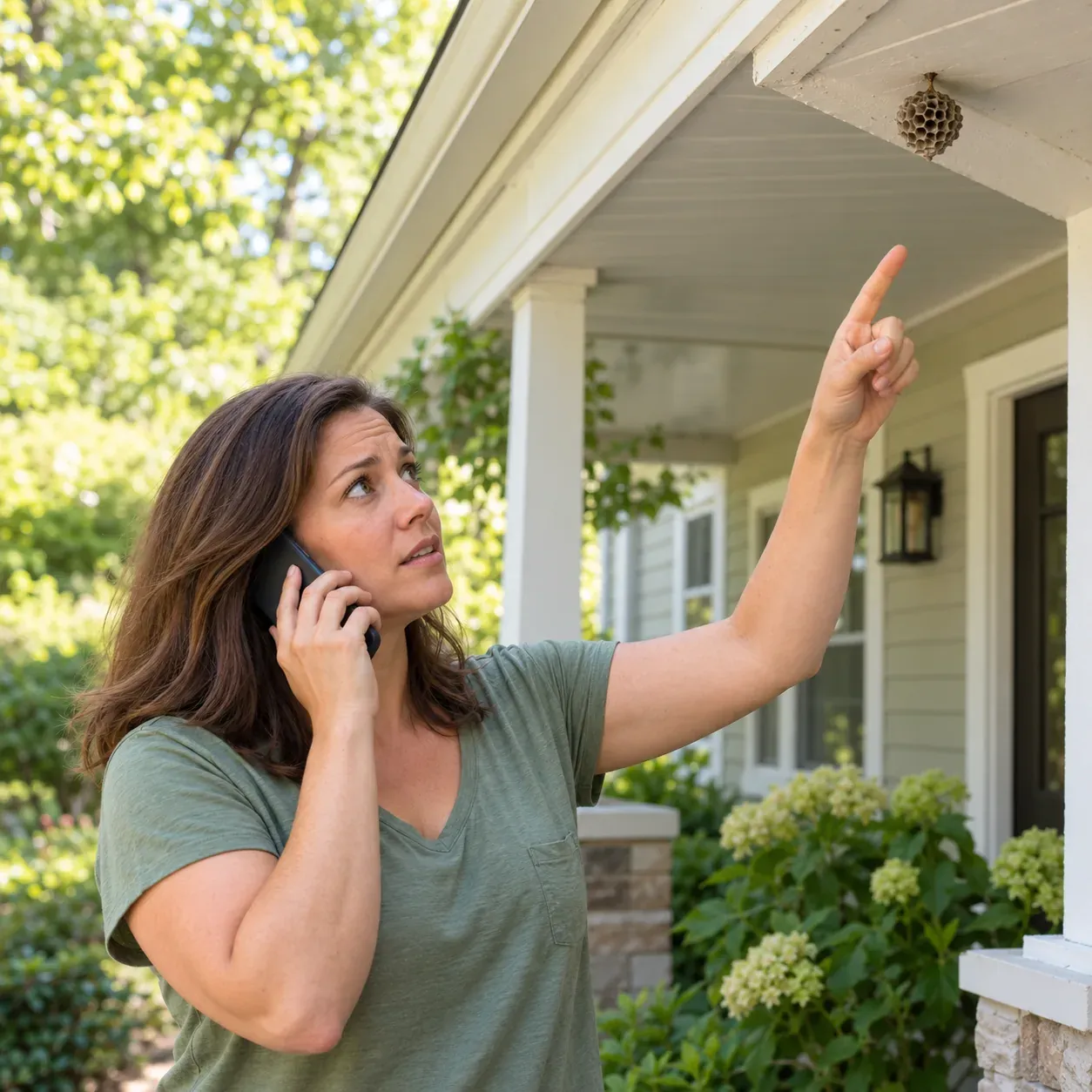
A homeowner on her front porch pointing up at a paper wasp nest under the eave while talking on her phone

Pick a scenario

Demo business (fictional): Greenleaf Pest Control

First pick a call, then press Talk to it.

Made upNormal11:05 a.m.

Incoming call for Greenleaf Pest Control

Wasp nest by the front door.

Took a message for the owner and saved the caller number.

Call transcript, shortened (example)

  1. Assistant Thanks for calling Greenleaf Pest Control. I am a virtual assistant and this call is recorded. How can I help?
  2. Caller Explains what is going on: wasp nest by the front door.
  3. Assistant I will give this to the team. What number is best to reach you?

Full transcript and recording are in the dashboard.

Example of what the owner receives after a call like this.

What happens in the demo

Choose a scenario, then speak using your microphone or type if you prefer. Each demo call lasts three minutes and uses a fictional pest control business, so you can focus on the conversation without entering your business details.

Listen to the opening disclosure and answer the intake questions as the caller in that scenario. Ask a follow-up question or change an appointment request to see how the receptionist handles it.

Afterward, inspect the owner's result alongside the conversation. The scenario demo needs no signup; request a trial for real calls and we email your sign-in link when your trial is ready.

What lands in the owner inbox

The owner view shows the summary, urgency tag, transcript and recording from your demo conversation. Check whether the summary makes the reason for the call and the requested next step clear without replaying everything.

Look for the booking or urgent handoff outcome when it applies to the scenario. A routine appointment request and an urgent wasp concern should give the owner different information to act on.

These are fictional calls for testing the experience. On your own business calls, email and app push notifications deliver the call record, and the dashboard lets you review transcripts, recordings and usage.

Use your business

Enter your business name and website to try a receptionist using information from your own site. This personalized option needs your email; the fictional scenario demo remains available without signup.

Try asking about a service you offer and a location you cover. Check the response against your website, then note which instructions you want to clarify during onboarding, such as price policy or urgent contacts.

For real callers, request your business trial; we email your sign-in link when ready, then you complete the onboarding chat. You can test the setup before turning on call forwarding.

We look at your public website and set up a short demo call as your business. You get one demo per email each day.

Your privacy in the demo

You are speaking with an AI virtual assistant. Demo calls are recorded and transcribed so you can review the result. Use fictional caller details and keep sensitive personal or customer information out of your test.

Questions

Do I need an account to try the browser demo?

No account is needed for the fictional call scenarios. Pick a situation, speak through your microphone or type, and review the result after the three-minute call. If you want to try it with your business name and website, the personalized option requires your email.

Will I hear the AI and recording disclosure?

Yes. The receptionist introduces itself as a virtual assistant and says the call is recorded. The demo lets you hear that opening in context before you try it with your business information. Demo conversations are also transcribed so you can inspect what the AI captured.

What should I test if I mostly book inspections?

Try the mice scenario and explain that you want an inspection. Listen for questions that would help your office understand the request, then read the owner's summary. On your own setup, you can choose Google Calendar booking or have the receptionist take details for your callback.

What if the AI does not know the answer?

Your setup can use message-taking and callback requests when a question needs your team's attention. In the demo, ask about something outside the fictional business's information and inspect the response. During onboarding, give your receptionist clear service boundaries and instructions for questions your team needs to answer.

What happens after I finish testing the demo?

Request a free trial; we'll email your sign-in link when your trial is ready. Then teach the receptionist about your business through the onboarding chat. The trial will last 14 days with up to 100 minutes. Make a test call and add a card before forwarding your business calls to the service.

Request a Pest Control Answering HQ Free Trial

Request a free trial; we email your sign-in link when ready. Then use your business details to set intake, booking and urgent contacts, and test your receptionist before forwarding calls.

Try the wasp-nest call Get started