Collect useful details
Ask about the pest, property, service address and reason for calling.
Pest calls answered while you treat
An AI receptionist for pest control answers forwarded calls, collects pest and property details, and follows your booking and urgency rules. Try our browser demo to hear how that works, then request a free trial.
Try the wasp-nest call Get started
Request a 14-day free trial, up to 100 minutes.PrivacySecurity
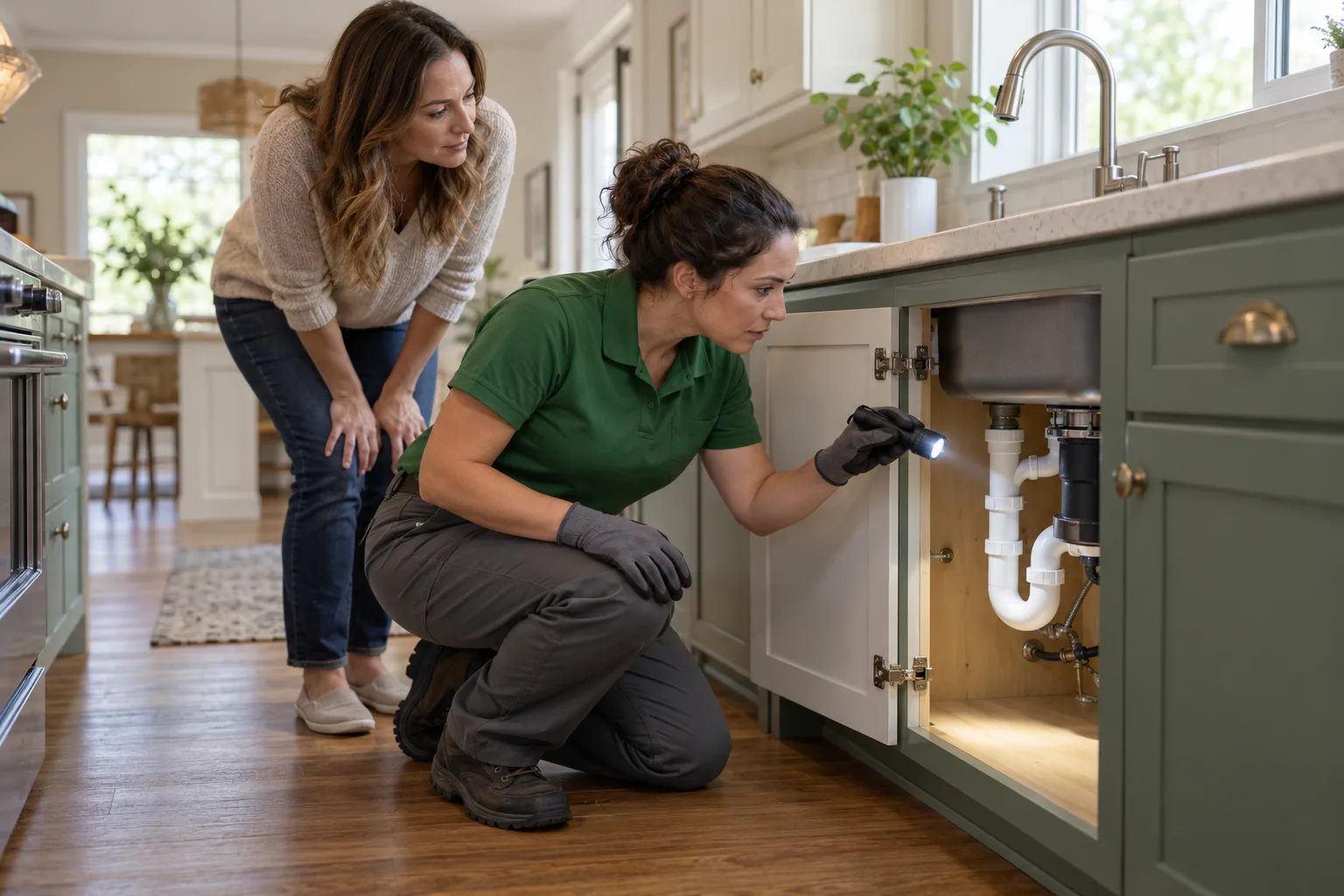
Your receptionist answers as your business, asks your intake questions and sends you the call details. We use your onboarding answers and website to learn your services, area and policies.
Ask about the pest, property, service address and reason for calling.
Flag urgency and route calls using the order you set.
Receive email and app push alerts with summaries, transcripts and recordings.
Your AI answering service for pest control turns your business instructions into a phone intake process. During onboarding, tell it which pests you treat, where you travel and which questions need your attention. Include the work you decline so callers can get a clear answer about scope.
At the start of each call, your receptionist identifies itself as a virtual assistant and announces recording. It can book into Google Calendar or take details for your callback. When an answer falls outside the information you supplied, it takes a message for your team. You can hear that intake in the interactive call demo.
A wasp nest inquiry follows your intake and urgency rules, starting with the caller's location and concern. Your receptionist gathers the details before booking or trying your on-call contact.
Ask where the nest is and collect the service address.
Use your urgency criteria for a nest beside an entrance.
Give your on-call person a short summary before accepting the transfer.
Your receptionist can collect a wasp nest inquiry while your crew is on another job. In our fictional demo scenario, the caller reports a nest by the front door. The assistant asks for the service location, contact details and information relevant to your intake, then follows the urgency instructions you supplied.
If those instructions call for a warm transfer, your on-call person hears a short summary and presses 1 to accept. You can also choose paging and set the contact order. An urgent tag describes the inquiry; it does not promise an arrival time. Your team decides the treatment and response.
Your receptionist can take commercial bed bug inquiries using the questions you set for hotel accounts. It records the property contact, reported concern and requested next step for your team.
Collect the hotel name, address and contact responsible for arranging service.
Ask what was reported and whether the caller wants an inspection.
Send treatment questions and requests beyond your policy to your team.
A hotel inquiry needs commercial intake details so your team knows whom to contact and why. Tell your receptionist which commercial properties you serve and what you need before returning a bed bug call. That might include the caller's role, the property address and the area where the concern was reported.
The fictional hotel scenario in our demo lets you test this conversation. Your receptionist can take an inspection request or book an appointment into Google Calendar if you choose booking. It does not diagnose an infestation or decide a treatment from a phone description. Your team receives the summary and recording to review before responding.
Your receptionist can explain the recurring plan details you provide and record a caller's interest. You decide which services, price policies and renewal questions it can answer on your behalf.
Share the service scope and visit frequency supplied during your onboarding.
Take one-time treatment inquiries without assuming the caller wants recurring visits.
Capture plan questions and renewal requests for your team's next conversation.
Your receptionist explains your recurring service using the information you give us. Add the included services, exclusions and price policy during onboarding. If a caller asks whether quarterly visits suit their request, the assistant can share those plan details and record what the caller wants to discuss.
Keep enrollment decisions and unusual pricing requests with your team. The assistant can gather renewal details and take a callback message; it does not invent discounts or promise treatment results. Use our recurring call guide to explore that workflow. The goal is a useful conversation that leaves your office with the caller's question and preferred next step.
AI can suit owners who want to change call instructions in plain words and review the resulting conversations themselves. A live answering team remains a strong option for callers needing personal judgment.
Tell the AI about updated services, hours or urgent call contacts.
Read transcripts and listen to recordings from your call dashboard.
Test routine intake and awkward questions before forwarding your business calls.
Our AI approach gives you direct control over the business information used on calls. You can tell the assistant about a changed service area or a new on-call contact in plain words, then inspect the results in your dashboard. That suits an owner who wants to manage phone instructions alongside daily route decisions.
A live receptionist brings personal judgment to conversations that call for tact or negotiation. Our AI can make mistakes, so review its summaries and keep a backup contact available. Compare approaches by trying the same inquiry with each service: an inspection request, a frustrated repeat caller and a question outside your stated policies.
You can forward only busy, unanswered or after-hours calls to your receptionist. That lets your office keep its usual phone routine while the AI handles the calls you select.
Use forwarding from your existing business line to your receptionist's number.
Send busy calls, unanswered calls or calls outside office hours.
Make a test call and review intake, alerts and urgent routing.
Overflow forwarding lets you try the receptionist on a defined part of your phone traffic. We provide a local number and a forwarding guide for your carrier or phone system. Choose the calls that should reach it, complete onboarding and make a test call before forwarding goes live.
Request a free trial; we email your sign-in link when ready. The trial runs for 14 days with a cap of 100 minutes, and a card is required before live forwarding. Once your trial begins, review its messages alongside your office's callback routine. Check whether addresses are useful, urgency tags reflect your rules and the right person receives transfers. Visit the setup steps when you are ready to configure it.
Yes. Your receptionist says it is a virtual assistant and that the call is recorded at the start of each call. That disclosure cannot be switched off. Try the browser demo to hear the greeting and ask a pest control intake question yourself.
Yes. Your receptionist can book appointments into Google Calendar using the business information you provide. If you prefer to review inspection requests first, it takes the caller's details for your callback. Tell it which services and areas you cover during onboarding so the intake reflects your business.
Your receptionist directs pesticide exposure or chemical questions to Poison Control and the product label. It does not advise callers on chemical use or treatment safety. Your team receives the call details so you can review what was asked and decide whether a business follow-up is needed.
Yes. Your receptionist speaks English and Spanish, and callers can switch languages during the conversation. It uses the same business knowledge and intake rules for those calls. During your trial, include a Spanish inquiry and review the summary and recording to assess the intake for your office.
You receive an email and an app push notification for each call, with a summary, urgency tag, transcript and recording. A daily digest email also brings the day's calls together. For inquiries meeting your urgent rules, you can set a warm transfer or page to your on-call person.
It takes a message for your team when the caller's question goes beyond your supplied business information. Review those messages to see where your instructions need more detail. You can update settings by telling the AI in plain words, and keep a backup way for callers to reach you.
Open the browser demo without signing up. Ask about a wasp nest, an inspection or a plan renewal, then request a free trial; add your business details once your trial is ready.