Inspection requests
Gather the pest concern and property details before the next step.
Pest calls answered while you treat
Pest control appointment booking lets your AI receptionist gather job details and book into Google Calendar, or take a request for your callback. Try a booking conversation in the demo to hear the questions before setting up your own business.
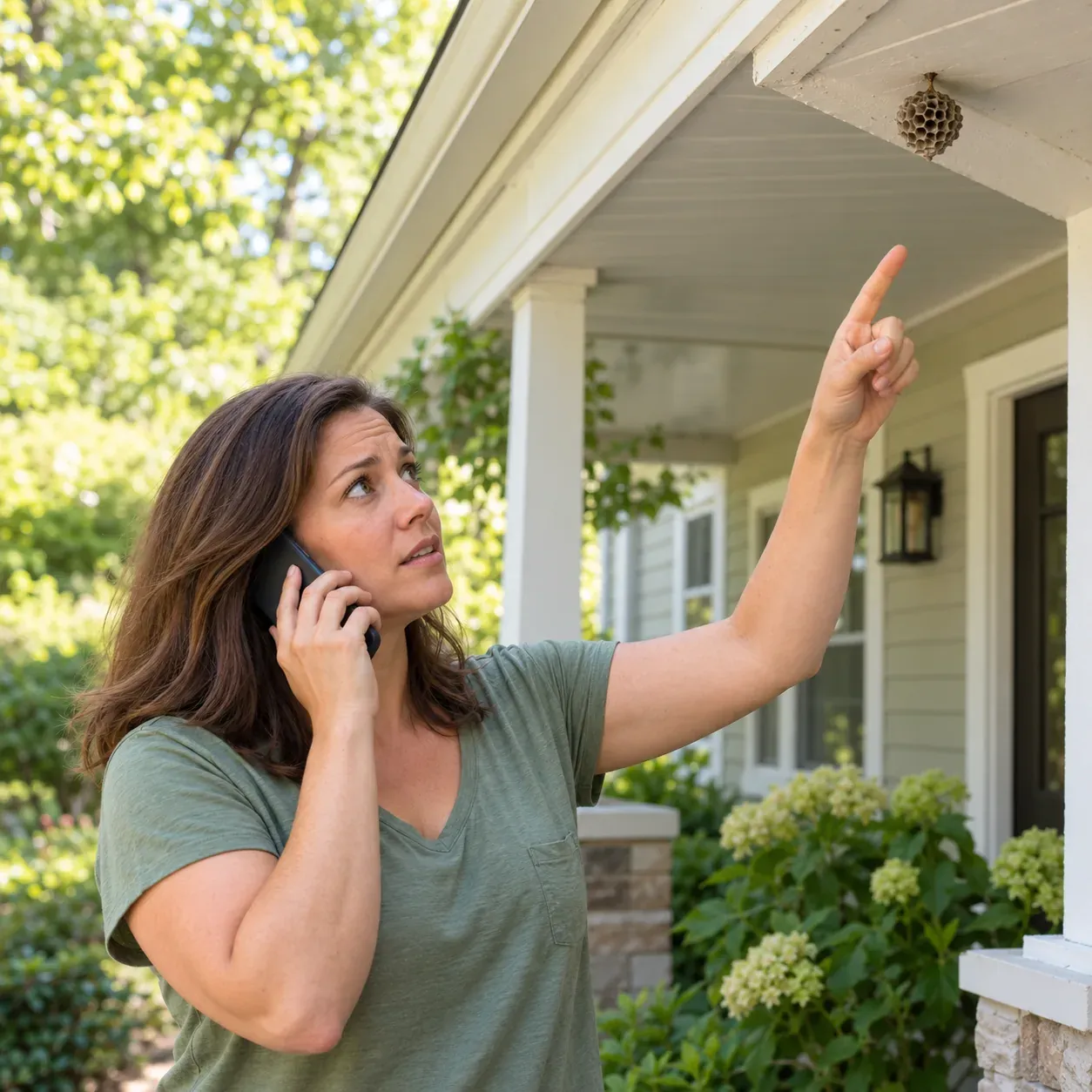
Try the wasp-nest call Get started
Request a 14-day free trial, up to 100 minutes.PrivacySecurity
Your receptionist handles appointment requests while you are treating a property or away from the office. It asks about the pest problem and location before booking or collecting details for your callback.
Gather the pest concern and property details before the next step.
Use your service information to understand what the caller needs.
Keep scheduling decisions with your office when you prefer to review requests.
An inspection request starts with information your team can use: where the property is, what the caller has noticed and how to reach them. Your receptionist asks the intake questions you set and uses your service area and service descriptions during the call.
A homeowner reporting mice and a hotel manager reporting bed bugs need different follow-up details. You supply the questions and urgent call rules for those situations. Booking goes into Google Calendar; if you prefer to review the job before scheduling, choose callback details instead.
Your receptionist introduces itself, explains recording and asks what service the caller needs. It collects the job details, follows your booking or callback instructions, and sends you a record of the conversation.
Ask whether the caller needs an inspection, treatment or schedule change.
Gather the address and use the service area you provided.
Review the appointment discussion in your summary, transcript and recording.
For a mice-in-the-kitchen call, the receptionist can ask where the caller has noticed activity and gather contact and property details. It uses the business information you supplied to handle the request and your instructions to decide whether urgency needs attention.
If you use booking, the appointment goes into Google Calendar. If you use message taking, the caller's details go to you for a callback. Your email and app push notification include the call summary and urgency tag, giving you context before you speak with the customer or head to the property.
You choose whether your receptionist books appointments or gathers requests for review. Supply your services, service area, hours and price policy so the conversation reflects how your pest control business handles jobs.
Book into Google Calendar or collect details for your callback.
Explain the inspections and treatments your business offers callers.
Place a test call before forwarding customer calls to your receptionist.
Use onboarding to distinguish a request you are comfortable booking from one your office should review. Give the receptionist your service boundaries and the information you need before returning a call. Explain who should receive urgent reports, such as a wasp nest by an entrance.
You can change settings later by telling the AI in plain words. Review a test call to check that your instructions produce a useful conversation. See the onboarding steps for how your website and answers inform the setup.
Booking is available in Google Calendar; direct field-service software connections are not live. Your office handles technician assignments, route decisions and any customer record changes in the tools you already use.
Appointments go into Google Calendar rather than your field-service software.
Keep technician assignments and treatment route planning with your team.
Chemical questions go to the product label and Poison Control.
A booked appointment gives you a scheduling outcome, but it does not assign a technician or build a treatment route. If your office needs to check the account or plan the route first, use callback intake. Your team can review the summary before confirming its own arrangements.
The receptionist also does not give pesticide-use or treatment-safety advice during booking. It refers those questions to the product label and Poison Control. Our software status page explains how call information can sit alongside your existing office workflow.
Use the mice-in-the-kitchen or treatment rescheduling scenario to hear appointment intake in the demo. You speak as a customer of a fictional pest business and can try it without signing up.
Ask for an inspection after noticing mice in your kitchen.
Try moving a treatment and listen to the follow-up questions.
Decide which details your own office would need before booking.
Open the appointment conversation demo and describe a pest issue as if you were calling from a property. Include a location and ask for an inspection, or try the rescheduling scenario. The fictional business lets you hear the intake approach without making a real customer booking.
Use what you hear to prepare your own service details. After trials open, you'll choose Google Calendar booking or callback intake and place a test call during your free trial. Check the resulting summary for the information your office needs to arrange the visit.
Yes, it can book appointments into Google Calendar using the business setup you provide. It asks intake questions about the request and property. If you want your office to review inspection details before scheduling, choose message taking and use the summary for your callback.
No. The live booking option is Google Calendar, and there are no direct field-service software connections at launch. Your team handles technician assignments and route planning separately. Callback intake is available when you want to review the job in your existing workflow before scheduling it.
Yes. Supply the commercial services you offer, the property details you need and what makes a request urgent. The receptionist can collect information for your callback or book into Google Calendar. Try the fictional hotel bed bug scenario to hear a commercial intake conversation.
Yes. Your receptionist speaks English and Spanish, and callers can switch languages during the conversation. It uses your business instructions to gather the request and handle the next step. Try asking for an inspection in Spanish during a demo conversation to hear the intake.
Yes. You forward your existing number to the receptionist and choose all calls or only busy, unanswered or after-hours calls. We provide a forwarding guide for your carrier or phone system. Make a test call before going live so you can check your chosen booking workflow.
Ask the demo receptionist for an inspection, then request a free trial; once your trial is ready, choose calendar booking or callback intake for your own business.